Excel Templates for Small Business
This page lists 12 sources of Excel templates for a small business, including invoices, budgets, and cash flow. Microsoft Create and Vertex42 publish free templates you open on their sites. This page does not host the files.

Running a small business means wearing multiple hats: CEO, accountant, project manager, and HR specialist, often all in the same day. While you're juggling these roles, the last thing you need is to waste precious hours building essential spreadsheets from the ground up. High-quality Excel templates for small business operations are a game-changer, providing structured, pre-built solutions for everything from invoicing to cash flow forecasting. But with thousands of options available online, finding the right one can feel overwhelming.
This guide cuts through the noise. We've curated a list of the 12 best sources for professional, reliable, and actionable Excel templates tailored for your needs. For each resource, you'll find a clear description, screenshots, and direct links to get started immediately. As you set up your financial systems, a critical tool like a sample balance sheet for small business can provide a foundational structure, which many of these template sites also offer.
More importantly, we'll show you how to supercharge these downloads using AI, turning them from static documents into dynamic business tools. For example, once you've populated a sales template, you can use an AI assistant to automatically forecast future revenue using the FORECAST.LINEAR function. We'll explore practical examples like this to help you solve concrete problems and leave with new skills. Let's find the perfect template to streamline your workflow.
1. Microsoft Create (official Microsoft templates)
For small business owners seeking reliable and perfectly compatible templates, the best place to start is often the source itself. Microsoft Create is the official hub for all Microsoft 365 templates, including a vast library of excel templates for small business needs. These templates are guaranteed to work flawlessly with any version of Excel, eliminating common formatting and compatibility headaches. The user experience is seamless; you can browse and open a template directly in Excel with a single click.
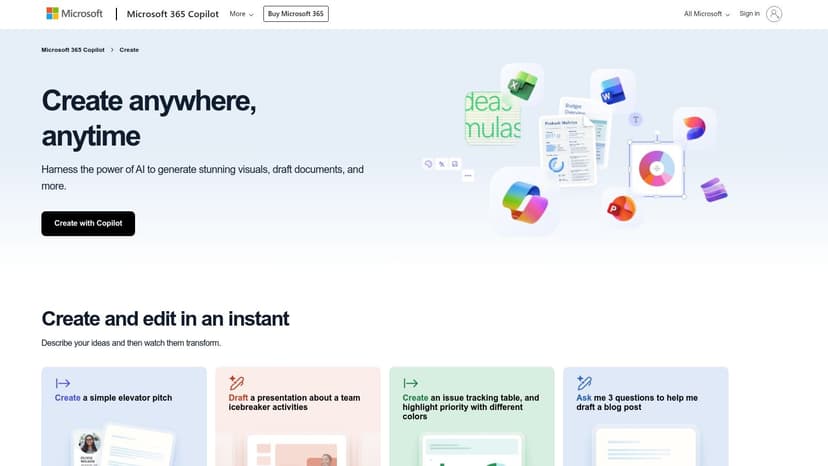
The platform offers essential tools like invoicing, budgeting, and financial management trackers. Once you have a base template, you can leverage AI to enhance it. For example, if you download a project plan, you could use an AI assistant to automatically generate a Gantt chart or create conditional formatting rules. Imagine highlighting all tasks that are past their due date by simply asking, "Highlight all rows in red where the 'End Date' is before today's date." This turns a static plan into a dynamic, at-a-glance dashboard.
Key Information:
- Best For: Users who prioritize stability and direct integration with Microsoft Excel.
- Pricing: A large collection of free templates, with premium options requiring a Microsoft 365 subscription.
- Pros: Highest compatibility, no-friction access for Microsoft 365 users, maintained by Microsoft.
- Cons: Premium templates are gated behind a subscription; the broad catalog can make finding niche business templates challenging.
Website: https://create.microsoft.com
2. Vertex42
For those who value function and robust documentation, Vertex42 is a long-standing and respected independent source for high-quality spreadsheets. It has built a reputation for its practical and well-constructed excel templates for small business, covering everything from invoices and budgets to complex cash flow statements. The templates are designed with clarity in mind, making them incredibly easy to adapt and use.
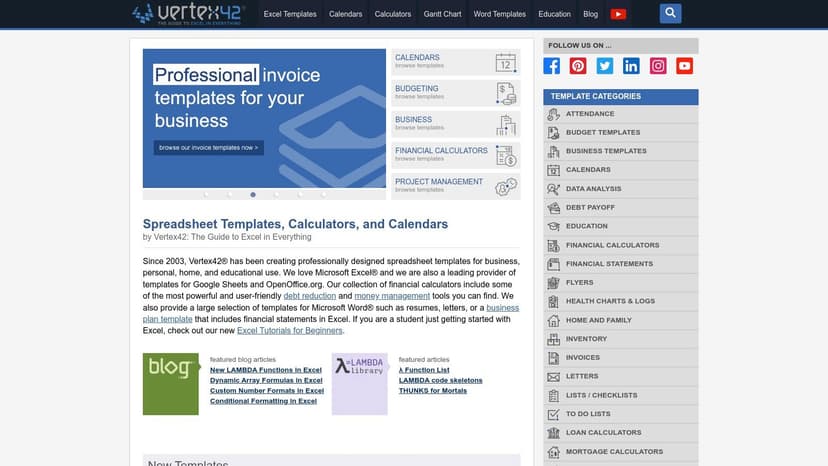
Vertex42 stands out by offering a massive library of free templates alongside premium "packs" for a one-time fee. Each template comes with extensive documentation explaining how it works. You can enhance these templates by creating custom formulas with AI. For example, in a sales tracking template, you might need to calculate a tiered commission. Instead of figuring out a complex nested IF statement, you can ask an AI assistant to generate it for you.
For instance, to calculate a 10% commission for sales up to $5000 and 15% for sales above that, you'd use:=IF(A2<=5000, A2*0.1, A2*0.15)
IF(A2<=5000, ...): This checks if the sale amount in cell A2 is less than or equal to 5000...., A2*0.1, ...): If the condition is true, it calculates a 10% commission...., A2*0.15): If the condition is false, it calculates a 15% commission.
An AI formula generator can build this logic for you in seconds.
Key Information:
- Best For: Small business owners who need reliable, well-documented templates with a focus on functionality.
- Pricing: Extensive library of free templates; premium template packs are available for a one-time purchase.
- Pros: Excellent template quality and documentation, trusted reputation among Excel users, one-time pricing on premium packs (no subscription).
- Cons: Designs are more functional than aesthetically flashy; support is primarily through documentation and email.
Website: https://www.vertex42.com
3. Spreadsheet123
Spreadsheet123 is a dedicated library offering a vast collection of free and premium templates specifically designed for small business operations. This platform stands out by focusing on core business functions like invoicing, profit and loss statements, balance sheets, and cash flow management. The templates are practical and often come with clear instructions, making them accessible even for those who aren't Excel experts, providing a solid foundation for managing company finances.
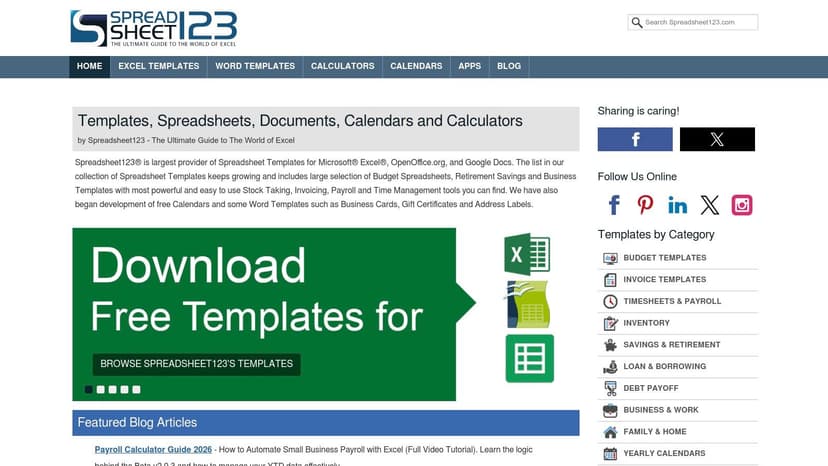
The site clearly distinguishes between its free and paid offerings, and many templates are unlocked, allowing for deep customization. The quality and specificity of the excel templates for small business are its main draw. For example, you can find detailed timesheet calculators or inventory management systems. To enhance an inventory template, you could use AI to create a formula that automatically flags items needing reorder.
A practical formula for this would be:=IF(B2<C2, "Reorder", "OK")
IF(B2<C2, ...): This formula checks if the 'Current Stock' in cell B2 is less than the 'Reorder Level' in cell C2...., "Reorder", ...): If true, it displays the text "Reorder"...., "OK"): If false, it displays "OK".
This simple automation helps prevent stockouts without manual checks.
Key Information:
- Best For: Small businesses needing functional, ready-to-use templates for specific operational tasks like payroll or inventory.
- Pricing: A strong mix of free templates with affordable, one-time purchase options for premium versions.
- Pros: Strong breadth of templates for SMB operations, practical designs with included instructions, many templates are fully customizable.
- Cons: Site navigation is text-heavy; some of the more advanced premium templates have a steeper learning curve.
Website: https://www.spreadsheet123.com
4. Someka
For small businesses that prioritize presentation, Someka offers a premium collection of excel templates for small business management. This platform specializes in polished, ready-to-use spreadsheets and dynamic dashboards that are as visually appealing as they are functional. Their templates cover crucial areas like finance, HR, and inventory, making them a great fit for users who need client-facing or presentation-ready documents without extensive design work.
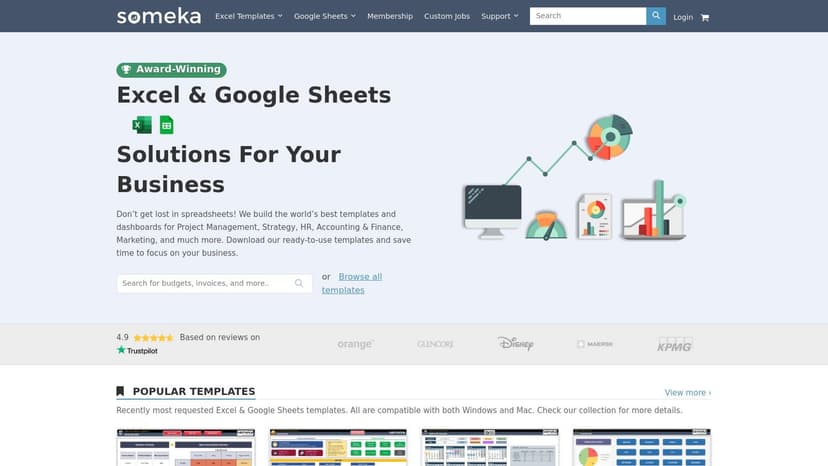
Someka stands out by providing clear licensing tiers and helpful video walkthroughs. While the templates are well-designed, AI can help you extract deeper insights from the data within them. For example, in a financial dashboard, you could ask an AI assistant to analyze your expense data and create a pivot table showing the top 5 spending categories. This provides an immediate, actionable summary of your business's financial health without manual data manipulation. The ready-to-print forms and dashboards are a major advantage for creating reports quickly and efficiently.
Key Information:
- Best For: Businesses wanting visually polished, presentation-ready dashboards and reports.
- Pricing: Premium one-time purchases with different licensing tiers; free demos are available.
- Pros: Highly polished dashboards and visuals, clear licensing paths for teams, optional customization services.
- Cons: Higher cost compared to free alternatives; password-protected structures can limit deep customization.
Website: https://www.someka.net
5. Indzara
For businesses needing specialized, purpose-built tools, Indzara offers a curated collection of powerful excel templates for small business operations. This platform moves beyond basic trackers, providing robust solutions for inventory management, sales pipeline CRM, and human resources. Each template is designed like a small application within Excel, often including detailed video guides and documentation.
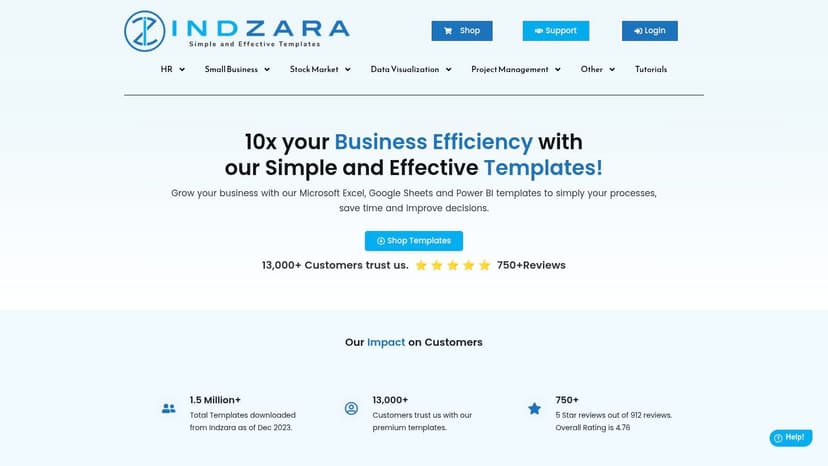
Indzara focuses on specific operational needs, such as managing inventory for multi-location retail or tracking complex sales funnels. A key AI enhancement for a sales CRM template would be to automatically clean and standardize customer data. For instance, an AI tool can quickly correct inconsistent state abbreviations (e.g., changing "Calif." and "CA" to "California") or format phone numbers uniformly. This data hygiene is crucial for accurate reporting and marketing efforts, solving a common and time-consuming problem for many businesses.
Key Information:
- Best For: Small businesses that need robust, function-specific templates for operations like inventory or sales.
- Pricing: One-time purchase fees for individual templates, with some free options available.
- Pros: Strong focus on small-business operations, excellent documentation and video guides, one-time pricing with no subscription.
- Cons: Smaller catalog breadth compared to marketplaces; more advanced templates may require some basic Excel familiarity.
Website: https://indzara.com
6. Smartsheet Template Center (with Excel downloads)
While Smartsheet is known as a project management platform, its template center is a valuable resource for high-quality excel templates for small business use. Many of their templates, such as project trackers and budget forms, are available for direct download in Excel format. This gives businesses access to enterprise-grade structures refined for clarity and efficiency.
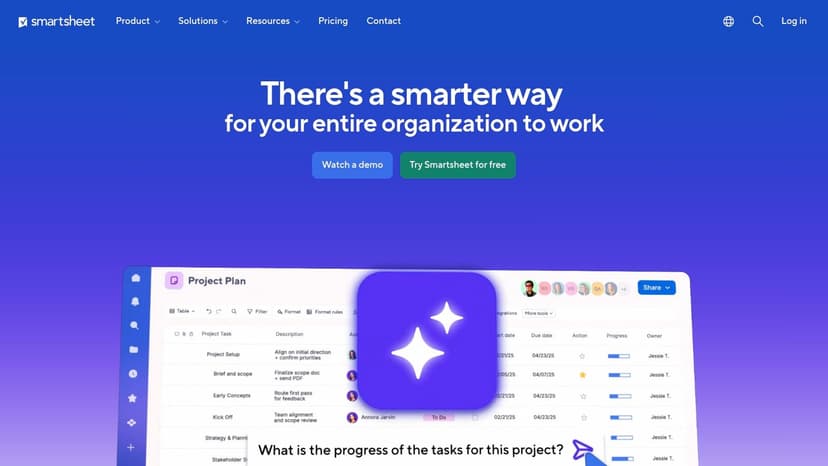
Smartsheet’s gallery is particularly useful for those who need guidance on when to use Excel versus a dedicated project tool. Although some downloads are used to promote a Smartsheet trial, many valuable templates are offered for free. A practical AI application for a project tracker template is task automation. You could set up a rule with an AI assistant to automatically send a summary of overdue tasks to a specific email address each week, ensuring accountability without manual follow-up.
Key Information:
- Best For: Businesses looking for professionally structured templates for project and operational management.
- Pricing: Most Excel downloads are free, though some are used as lead magnets for a Smartsheet trial.
- Pros: Enterprise-grade patterns adapted to spreadsheets, helpful guidance on Excel vs. Smartsheet use cases, free Excel downloads on many content pages.
- Cons: Not every template in the gallery has an Excel version; some downloads are gated behind trial sign-up forms.
Website: https://www.smartsheet.com
7. Etsy (marketplace)
For those looking for a unique design or a highly specific function, the creative marketplace Etsy is an unexpected but powerful resource. It hosts thousands of independent creators who design and sell excel templates for small business needs, ranging from aesthetic bookkeeping spreadsheets to comprehensive business management dashboards. The sheer variety means you can often find templates for niche industries that aren't available on larger platforms.
The platform's strength lies in its community-driven nature. You can read detailed reviews and see buyer photos before committing. A common problem with downloaded templates is adapting them to your specific needs. With AI, you can easily modify them. For example, if a bookkeeping template tracks expenses by "Category" but you also need to track by "Project," you can simply instruct an AI tool to "add a new column named 'Project' next to 'Category' and create a dropdown list with Project A, Project B, and Project C." This solves a common customization challenge instantly.
Key Information:
- Best For: Finding niche, aesthetically pleasing, or highly specialized templates at a low cost.
- Pricing: Varies by seller, but many high-quality templates are available for just a few dollars.
- Pros: Huge variety of unique designs and niche functions, very affordable, real user reviews help guide purchasing decisions.
- Cons: Quality and support can be inconsistent depending on the seller; no centralized quality control.
Website: https://www.etsy.com/market/excel_templates_for_small_business
8. Creative Market (marketplace)
For small businesses that prioritize aesthetics and a polished, brand-ready look, Creative Market is a marketplace where independent designers sell high-production-value templates. Instead of standard corporate designs, you'll find beautifully crafted and often niche-specific excel templates for small business needs, from financial dashboards to project planners. These are ideal for client-facing reports where visual appeal is as important as functionality.
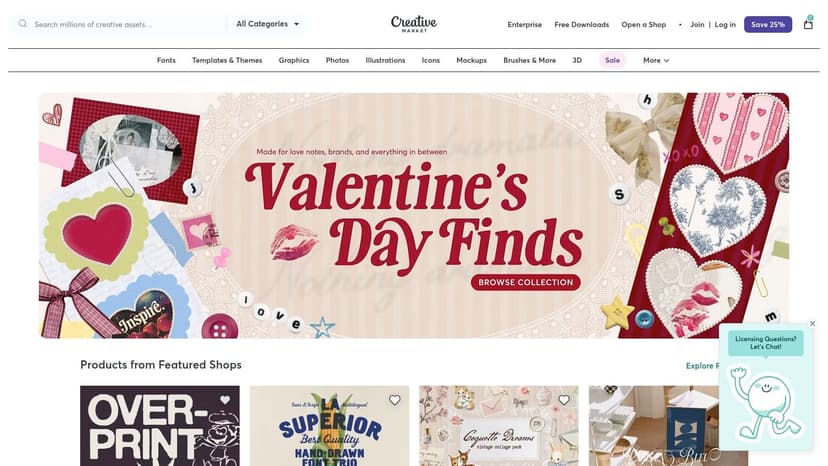
The platform operates on a one-time purchase model. Each product page includes clear licensing terms, previews, and seller ratings. A key challenge with visually complex templates is ensuring the underlying formulas are correct. An AI assistant can help you debug formulas. If a total in your sales dashboard seems wrong, you can ask the AI to "explain the formula in cell G25" or "find the error in my SUMIF calculation." This provides a powerful diagnostic tool, helping you maintain data integrity even in complex spreadsheets.
Key Information:
- Best For: Businesses needing visually impressive, brand-ready templates for presentations or reports.
- Pricing: One-time purchase per template or bundle, with prices set by the individual creator.
- Pros: High production value and branding-ready designs, clear license terms per product page, instant download after purchase.
- Cons: Some listings may be Google Sheets–only (verify format), refunds and support depend on the seller.
Website: https://creativemarket.com
9. Template.net
Template.net offers a massive library of business documents, featuring a dedicated category of excel templates for small business needs. Its key differentiator is the sheer volume and variety of resources available, covering everything from project timelines and sales dashboards to detailed financial statements. Many templates are available in multiple formats, including Excel and Google Sheets, providing flexibility for different platforms.
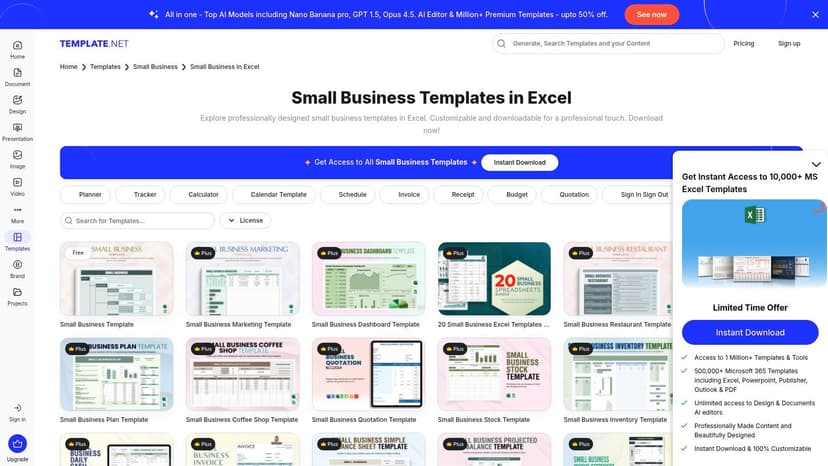
While there are free options, the highest-quality templates are often part of their premium subscription. This model is ideal for a business that needs a steady supply of various documents. A practical use of AI with these templates is data summarization. After downloading a detailed project timeline, you can ask an AI assistant to "summarize the key milestones for Q3" or "list all tasks assigned to the marketing team." This extracts critical information from a dense spreadsheet, providing quick answers without manual filtering.
Key Information:
- Best For: Businesses needing a high volume of diverse templates across different departments.
- Pricing: A mix of free templates and a premium subscription model to unlock the full library.
- Pros: High volume and variety of templates, supports both Excel and Google Sheets, frequently updated.
- Cons: The best content is often paywalled; marketing overlays can be invasive during browsing.
Website: https://www.template.net/small-business/excel
10. QuickBooks (Intuit) – Free business budget template
From one of the biggest names in small business accounting, QuickBooks offers a highly practical and free business budget template. This standalone Excel file is a fantastic resource for any entrepreneur looking to establish a solid financial plan. The template is designed to be straightforward, with clear instructions on how to forecast income, categorize expenses, and track your performance.
This resource stands out because it provides a guided experience, making it perfect for those new to financial planning. After populating the template with your data, you can use AI to perform variance analysis. For example, you can use a formula to see how actual spending compares to the budget.
A simple variance formula is:=B2-C2 (Actual – Budget)
To calculate the percentage variance, you can use:=(B2-C2)/C2
B2-C2: Calculates the difference between the actual amount (B2) and the budgeted amount (C2)./C2: Divides the difference by the budget to get the variance as a percentage.
You can then ask an AI tool to apply conditional formatting to instantly highlight significant over- or under-spending.
Key Information:
- Best For: Small business owners who want a simple, trusted template for creating their first formal budget.
- Pricing: Completely free to download and use.
- Pros: Backed by a leading accounting brand, includes practical instructions, no software purchase is required.
- Cons: Primarily focused on budgeting with no other template variety; some resources on their site are gated to capture leads.
Website: https://quickbooks.intuit.com/global/resources/accounting/budget-template/
11. Xero – Free business budget template
For small business owners needing a no-frills, reliable budgeting tool, accounting software giant Xero offers a fantastic starting point. Their free business budget template is a clean, straightforward resource designed for clarity. It provides a solid framework for tracking monthly income and expenses, making it an excellent choice for entrepreneurs who are new to financial planning or simply want a simple, effective excel templates for small business solution.
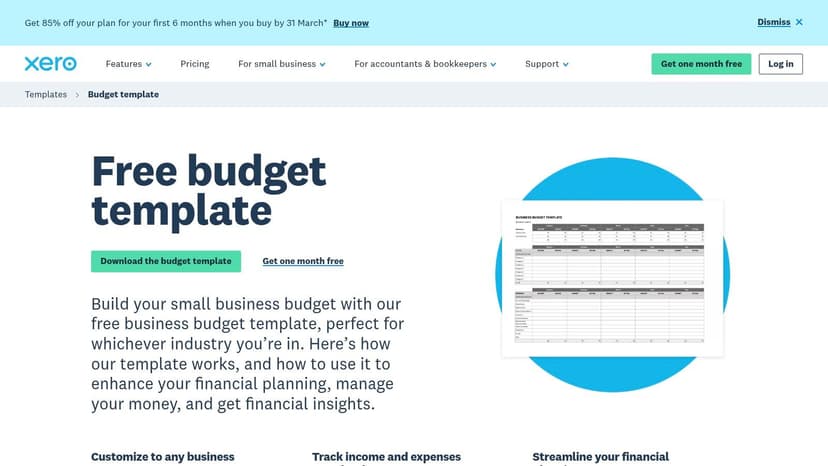
What makes this template stand out is its origin from a trusted name in small business accounting. Although you must provide an email address to download the file, it works independently of Xero's paid software. A great way to enhance this budget template is to use AI for forecasting. You can select your historical monthly revenue data and ask an AI assistant to "forecast the next six months of revenue based on this trend." The AI can apply functions like FORECAST.ETS to give you a statistically sound projection, helping you make more informed business decisions.
Key Information:
- Best For: Beginners and business owners looking for a simple, trusted budgeting template.
- Pricing: Completely free, but requires email submission to receive the download link.
- Pros: Backed by a reputable accounting platform, clean and beginner-friendly layout, works independently of Xero's software.
- Cons: Limited to budgeting only; requires providing an email address to access the file.
Website: https://www.xero.com/us/templates/budget-template/
12. FreshBooks – Free Excel invoice templates
For small businesses that need polished, professional invoices without investing in dedicated accounting software, FreshBooks offers an excellent solution. Known for its invoicing software, the company provides a gallery of free, editable excel templates for small business owners. These templates are designed with clean layouts and include all the essential fields, ensuring your invoices look credible and are easy for clients to understand.
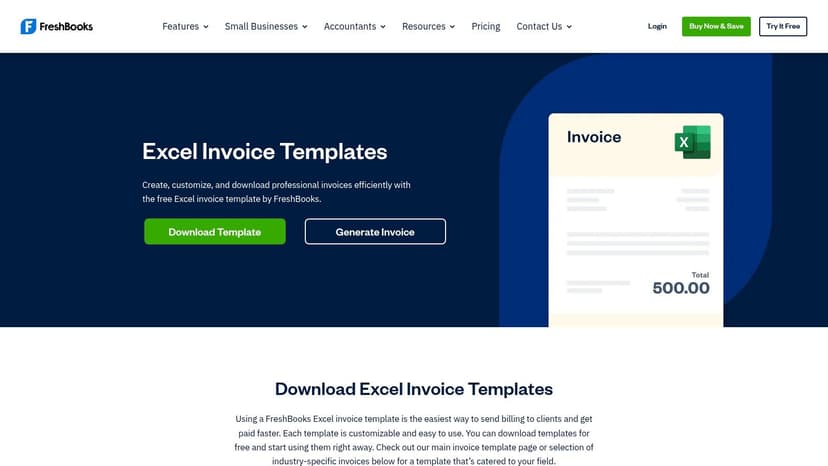
The collection includes several styles and industry-specific examples. A practical problem this solves is creating professional invoices quickly. An AI enhancement can automate the follow-up process. After creating your invoices in Excel, you could use an AI assistant connected to your email to draft follow-up reminders for any invoices where the payment due date has passed. This saves administrative time and helps improve cash flow, a critical issue for any small business.
Key Information:
- Best For: Businesses needing professional and reliable invoice templates without purchasing software.
- Pricing: Completely free to download and use.
- Pros: Well-structured professional layouts, easy to customize branding, no software purchase required.
- Cons: Primarily focused on invoicing only; some regional templates may need minor adjustments for local tax requirements.
Website: https://www.freshbooks.com/invoice-templates/excel
Top 12 Excel Template Resources Comparison
| Product | Core features | Experience ★ | Price/value 💰 | Target 👥 | Unique / USP ✨🏆 |
|---|---|---|---|---|---|
| ElyxAI | Autonomous Excel agent: cleans, builds pivots/charts, formats from NL prompts | ★★★★☆ (fast; saves 3+ hrs/wk) | 💰 Trial 7‑day; from €19/mo; enterprise options | 👥 Financial analysts, consultants, power Excel users | ✨ Executes multi-step workflows in-sheet; data stays local 🏆 |
| Microsoft Create (official templates) | Large MS‑maintained template library; one‑click "Customize in Excel" | ★★★★☆ (highest compatibility) | 💰 Free + premium; some require M365 | 👥 Microsoft 365 users, SMBs | ✨ Official MS templates; best Excel compatibility 🏆 |
| Vertex42 | Extensive business templates & paid one‑time packs; clear docs | ★★★★☆ (reliable, well‑documented) | 💰 Many free; paid packs one‑time | 👥 Small businesses, finance users | ✨ Strong documentation & trusted reputation 🏆 |
| Spreadsheet123 | SMB-focused templates (invoices, payroll, cash flow) with licensing | ★★★★☆ (practical; mix free/paid) | 💰 Free + affordable paid templates | 👥 SMB operators, bookkeepers | ✨ Clear license options; editable templates |
| Someka | Polished dashboards, demos, paid customization services | ★★★★☆ (visual, professional) | 💰 Premium pricing; demos available | 👥 Users wanting polished dashboards | ✨ Ready‑to‑print visuals + optional customization 🏆 |
| Indzara | Industry-focused templates (inventory, sales, HR) with guides | ★★★★☆ (good docs & guides) | 💰 One‑time pricing; money‑back guarantee | 👥 Small retailers, SMBs | ✨ Product ratings & focused SMB templates |
| Smartsheet Template Center | Enterprise patterns with Excel exports and guidance | ★★★★☆ (enterprise patterns) | 💰 Many free; some gated by trials | 👥 Enterprise teams, project managers | ✨ Guidance on Excel vs Smartsheet; exportable templates |
| Etsy (marketplace) | Thousands of seller-created templates; instant downloads | ★★★☆☆ (varied quality) | 💰 Very low entry; pay per item | 👥 Niche buyers, budget-conscious users | ✨ Huge niche variety; buyer reviews guide choices |
| Creative Market | Designer-built, high-production templates and bundles | ★★★★☆ (high visual quality) | 💰 One‑time purchases; designer pricing | 👥 Designers, branding-focused SMBs | ✨ High production value; curated previews |
| Template.net | Large editable library, Excel + Google Sheets, subscription option | ★★★★☆ (high variety) | 💰 Freemium; subscription to unlock premium | 👥 Teams needing many template types | ✨ Broad cross-department coverage at scale |
| QuickBooks – Free budget template | Free Excel budget with step-by-step guidance | ★★★★☆ (practical budgeting) | 💰 Free (some gated resources) | 👥 SMBs planning budgets; QuickBooks adopters | ✨ Vendor-backed budget template; clear guidance |
| Xero – Free budget template | Multi-format budget template (Excel/Sheets/PDF) | ★★★★☆ (clean & beginner-friendly) | 💰 Free (email required) | 👥 Small businesses, beginners | ✨ Simple, multi-format download for starters |
| FreshBooks – Free invoice templates | Editable Excel invoices with calculations and templates | ★★★★☆ (professional invoice layouts) | 💰 Free downloads | 👥 Service providers, small businesses | ✨ Multiple invoice styles + optional online generator |
From Template to Automated Workflow: The Future of Your Business Spreadsheets
We've explored a dozen powerful sources for Excel templates for small business, from official Microsoft repositories to specialized marketplaces. Each template provides a solid foundation—a pre-built structure that saves you from starting with a blank worksheet. Whether you need a simple invoice, a detailed budget, or a dynamic project tracker, the right template is out there.
The core takeaway is this: a template is not an endpoint. It’s a starting point for building a smarter, more efficient business management system. The true power isn't just in the pre-made rows and columns; it's in how you adapt, customize, and automate them to solve your specific business problems. By integrating artificial intelligence, you transform these static documents into dynamic tools that provide real-time insights and save you hours of manual work.
Key Insights for Your Next Steps
As you move forward, remember that selecting a template is just the first step. The real value emerges when you make it your own. By using an AI assistant, you can transform a static document into an interactive dashboard. Instead of manually updating formulas or adjusting formatting, you can simply tell your spreadsheet what to do.
Consider these critical points as you implement your chosen templates:
- Customization is Crucial: No template is a perfect one-size-fits-all solution. Use AI to tailor branding, add data categories unique to your business, and adjust formulas to reflect your financial models.
- Data Integrity Matters: Your templates are only as good as the data you put into them. Establish a clear process for data entry to ensure accuracy and consistency, which is vital for reliable forecasting and reporting.
- Start Small and Scale: Don't try to implement every template at once. Begin with the one that addresses your most pressing need, like cash flow management. Once you've mastered it, progressively integrate others into a cohesive system.
When to Evolve Beyond Templates
Templates are incredibly effective, but it's also important to recognize when your business might outgrow them. As your operations become more complex, especially in areas with high transaction volumes like expense tracking, you might find that manual entry becomes a bottleneck.
At this stage, dedicated solutions can offer a higher level of automation. For instance, as your team grows, the need for efficiency might lead you beyond basic templates. Dedicated expense report software can automate much of the tracking and reporting process. This natural evolution from a template enhanced with AI to specialized software is a sign of healthy business growth.
Ultimately, these Excel templates for small business are tools for empowerment. They democratize data management, giving you control to build robust operational systems without a hefty price tag. By combining these smart structures with the intelligence of AI, you are not just managing your business; you are building a foundation for scalable, data-driven success.
Ready to unlock the full potential of your business spreadsheets? Stop wrestling with complex formulas and let AI do the heavy lifting. Install Elyx AI today and transform any Excel template into an automated, intelligent workflow that saves you time and drives better decisions.
Direct answers
What are Excel templates for small business?
Ready-made workbooks for invoicing, budgets, cash flow, and other operating tasks. This page lists 12 sources. You open the file on the publisher site.
Where can I find Excel small business templates?
Start with the 12 sources on this page. Microsoft Create and Vertex42 both publish free templates. This page does not host the files.
Where can I find an Excel business template?
Each of the 12 entries links to a publisher. Pick the task, such as an invoice, a budget, or inventory, and download that publisher spreadsheet.
Are there Excel templates for small business accounting?
Yes. The list includes invoice, budget, profit and loss, balance sheet, and cash flow templates from the publishers. This page does not host the files.
Elyx is an AI agent that works inside Excel. Describe the task. Elyx does it in the workbook. 7-day trial, no card.
Start the 7-day trial